Pre-requisites
To use documents as Thor context, connect the platforms your team writes specs and decisions in. Thor supports Notion and Google Docs (via Google Drive). Thor only has access to documents you explicitly share — not your entire Drive or Notion workspace.Notion
Notion
In Slack, open the Thor app, go to the Home tab, and click Your Connections. In Teams, open the Connections tab and use Your Accounts. Connect your Notion account and select the pages you want Thor to index during the OAuth flow.Indexed pages are added to team shared context — everyone in your organization can ask Thor about them, even if they have not connected their own Notion account.To add more pages later, reconnect Notion from Your Connections and update your page selection.
Google Docs
Google Docs
In Slack, open the Thor app, go to the Home tab, and click Your Connections. In Teams, open the Connections tab and use Your Accounts. Connect your Google account.Thor only has access to Google Docs you have shared — not your full Google Drive.
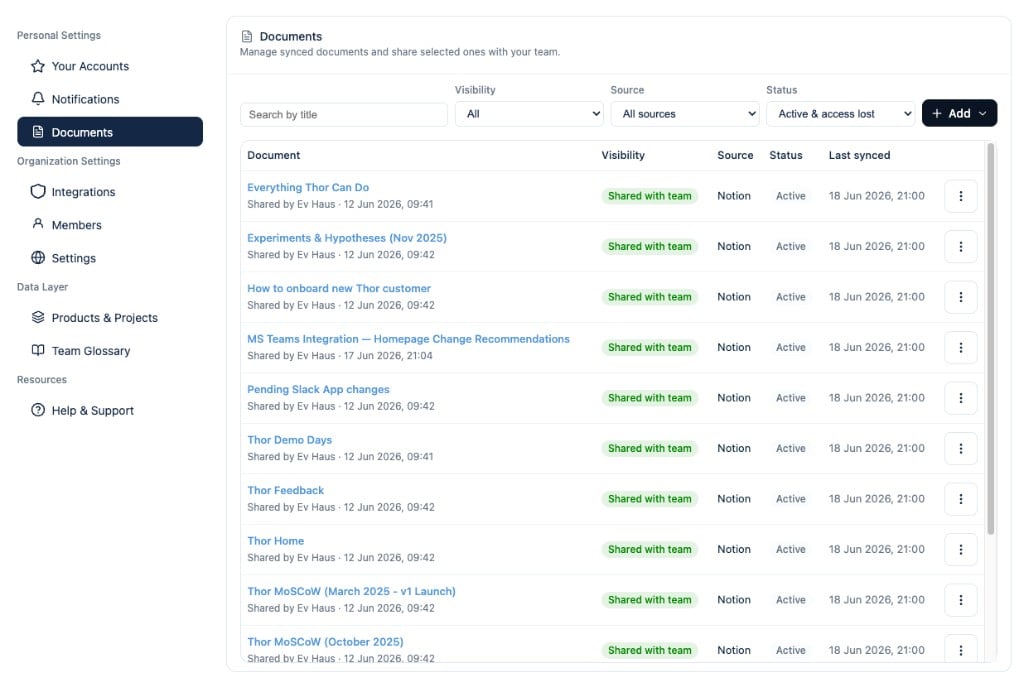
Manage documents in the webapp